

Identify and remediate public cloud compliance misconfigurations, mitigate security threats and control your expenses from one simple, easy to use platform.


Time: <5 Minutes to complete integration. *Budget Intelligence can take up to 2.5 minutes
What You Need: AWS RootPayer Account Access
Benefits of This Feature: Get a grip on cloud security, compliance, and cost effective solutions for your business with Tenacity. Tenacity gives you a holistic view over your AWS infrastructure and translates what assets you have, where they are located, and what they are costing you - all while uncovering hidden savings and security missteps that occur along the way.
AWS Integration Steps:
1. Click Try For Free
2. Create your Company

3. Fill in About You

5. A temporary password will be email; click Login

6. Click Integrate

8. Provide Root/Payer Account Number and Sub Accounts

9. Click CloudFormation Template
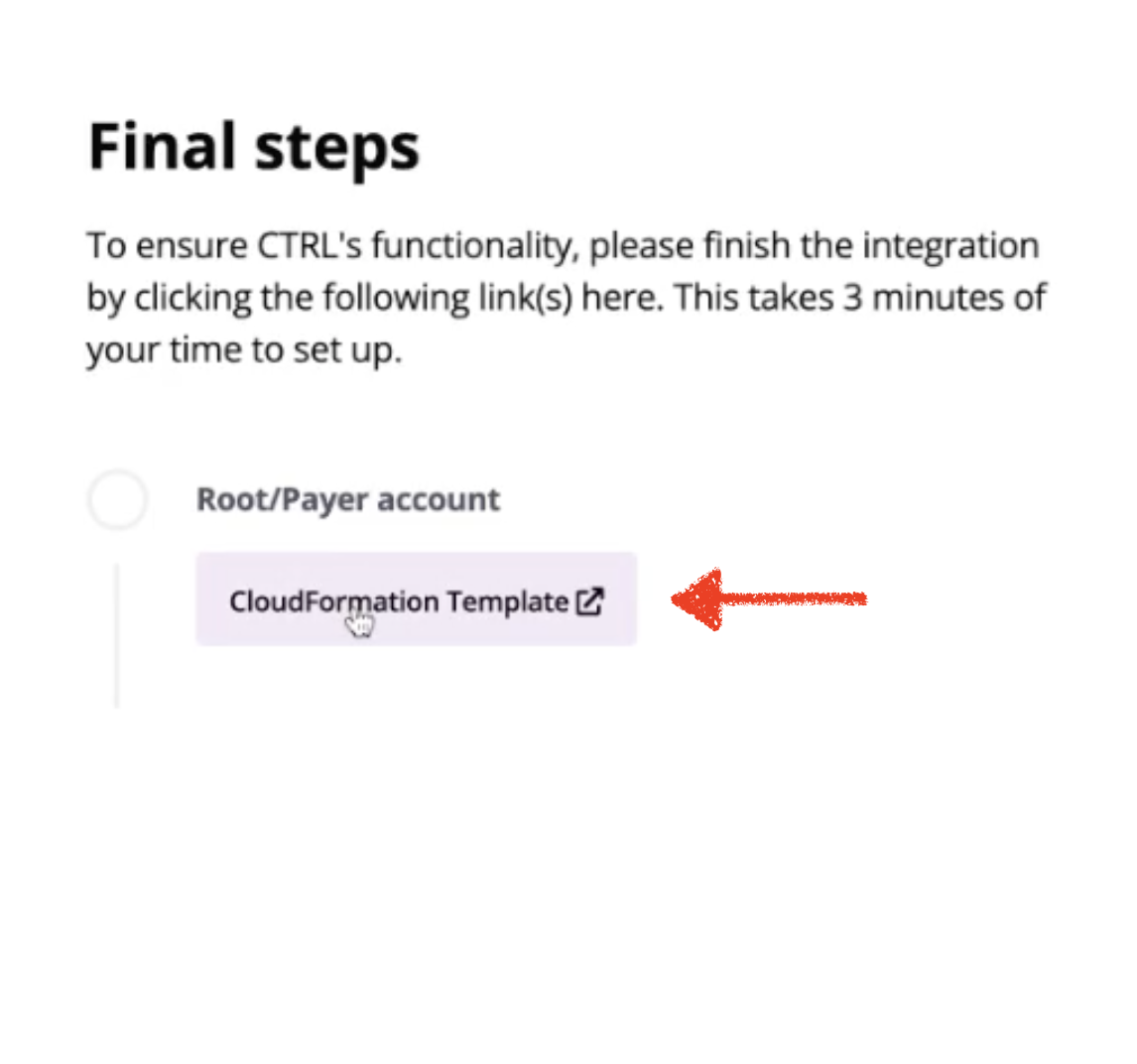
10. Acknowledge and Create Stack

11. Navigate to Tenacity Tab; click Discover Dashboard

12. Successful integration message; data is flowing already and will be completed in 2.5 minutes!

View and edit Integrations under Company Settings -> Integrations

If you need assistance with your AWS integration or if you would like to schedule an Azure integration, give us a shout at [email protected].
This AWS Integration Guide was produced by Tenacity Customer Success with 💜


